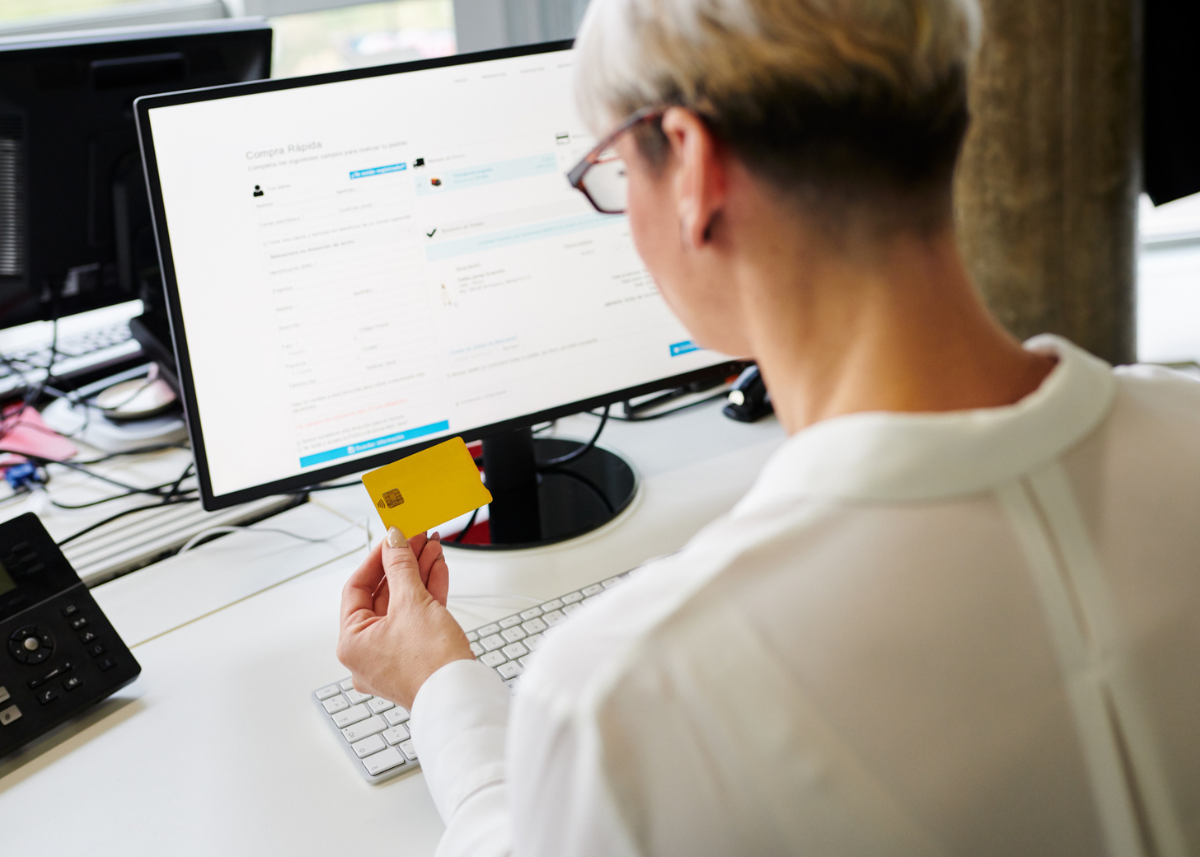
At VIALET, your security is our top priority. We want to ensure you have the knowledge and tools to protect your personal information, accounts, and devices while using our services. As part of our ongoing customer education and awareness initiative, we are sharing some essential security practices to help you stay safe online, especially as cyber threats evolve with AI-driven scams and advanced phishing techniques.
Protect Your Personal Data and Account Information
To keep your account secure, it is crucial to protect access to any of your data:
Passwords and PINs: Always create strong, unique passwords for each account and never share them with anyone. Consider using a reputable password manager to generate and store complex, unique passwords safely.
Multi-factor authentication (MFA): Use MFA broadly. Prefer app-based authenticators, biometrics, or hardware keys over SMS where possible, as they are more resistant to interception.
Security Tokens: Keep your tokens (such as two-factor authentication devices) safe and secure. If lost or stolen, report them to us immediately.
Personal Details: Be cautious when sharing sensitive information like your personal ID, Social Security number, or account details. Only provide these to trusted sources and be aware of phishing attempts. Never share verification codes or one-time passwords sent to you.
Confidential Data: Always handle your financial and account information with care, and avoid storing it in easily accessible locations, such as your mobile notes or public cloud services.
Safeguard Your Devices
Properly managing the security of your personal devices – whether it’s your computer, mobile phone, or tablet – is essential for preventing unauthorized access to your account. Here’s how:
Install Antivirus Software: Ensure that you have a reliable antivirus program installed on your devices to detect and block malicious software.
Update Security Patches and Firewalls: Regularly update your device’s operating system, apps, and security features. This includes installing the latest security patches and enabling firewalls to protect against vulnerabilities.
Avoid Unsecured Wi-Fi: Avoid public or unsecured Wi-Fi entirely for banking or sensitive transactions. If unavoidable, use a trusted VPN to encrypt your connection.
Be Aware of Downloading Risks
Downloading software from the internet can pose significant threats to your device and personal data if you’re not cautious. Here are some best practices:
Verify Software Authenticity: Only download software from trusted sources and official websites. Be wary of third-party sites or downloads that seem too good to be true.
Check for Tampering: Ensure that any downloaded software has not been tampered with or modified. Use checksums or other verification methods when available.
Avoid Suspicious Links and Attachments: Never download software from unsolicited emails or links. These could contain malware designed to steal your personal information or damage your device.
Be cautious of suspicious apps and software claiming to ‘optimize’ banking or finances—these are common malware vectors.
Watch for smishing (SMS/text scams) pretending to be from us or other financial institutions.
Always Use Our Genuine Platforms
When accessing your VIALET account or making transactions, it’s essential to use only our official website to avoid phishing scams or counterfeit sites. Here’s what to keep in mind:
Access the Genuine Website: Always type in our official URL directly into your browser (e.g., www.vialet.eu) and avoid clicking on links in unsolicited emails or messages.
Beware of Phishing Scams: If you receive emails or messages claiming to be from VIALET asking for personal information or payment details, be cautious. Verify with us directly if the request is legitimate. Our official communications will never ask for your password, MFA code, or full account details via email/SMS.
Stay Informed
As part of our ongoing commitment to your safety, we will continue to share security updates and tips through our customer education programs. Please feel free to reach out to us if you have any questions or concerns.
By following these security measures, you’ll help protect your account and personal information from potential threats.
Thank you for taking the time to keep your online activity safe and secure.
Would you like me to create a condensed, checklist version of these security practices for your customers?